Built to be read by patients and by machines.
Website design and build
Fast, accessible practice websites that convert the patients AI sends you, structured from the first line so engines can read them without guessing.
The rule we do not break
Nothing we build is allowed to sit between a patient and a booking without failing open.
It sounds obvious. It is also the failure that does the most damage while looking the least broken. When a booking path silently stops working, the site still loads and pageviews still look normal. The only sign is that new patients stop arriving, and a practice can lose weeks before anyone works out why.
So every build gets a logged-out click test of the real booking path before and after launch, and any code that can interpose on that path is written so that if it fails, the patient’s click still does what they expect.
Structure before pixels
A practice website has a small number of jobs. Tell a patient you can help, prove you are credible, and get them booked in as few steps as possible.
Everything else, including how it looks, serves those three. We agree the structure and the entity model before design starts, because a beautiful site with an unreadable structure is invisible to the engines your patients now ask.
Our work
Recent builds, live now.
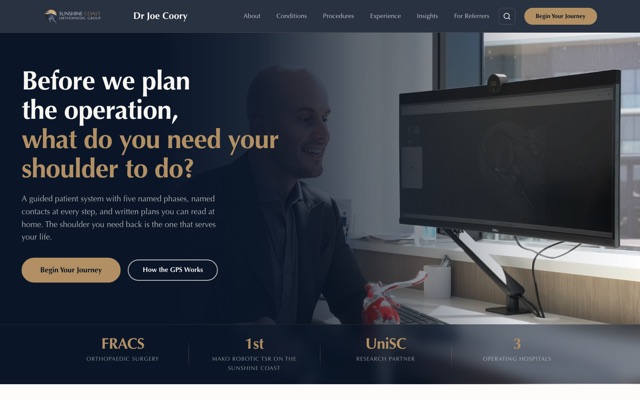
Dr Joe Coory
Orthopaedic surgeon, Sunshine Coast
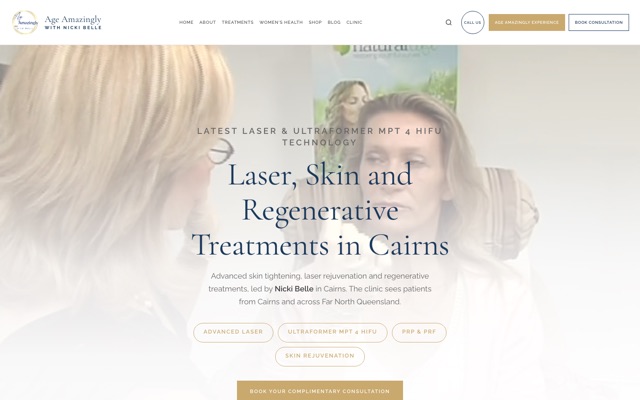
Age Amazingly
Skin and laser clinic, Cairns
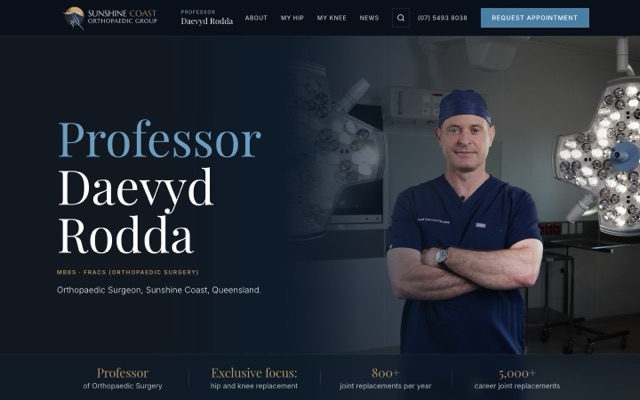
Professor Daevyd Rodda
Hip and knee surgeon, Sunshine Coast
Concept builds
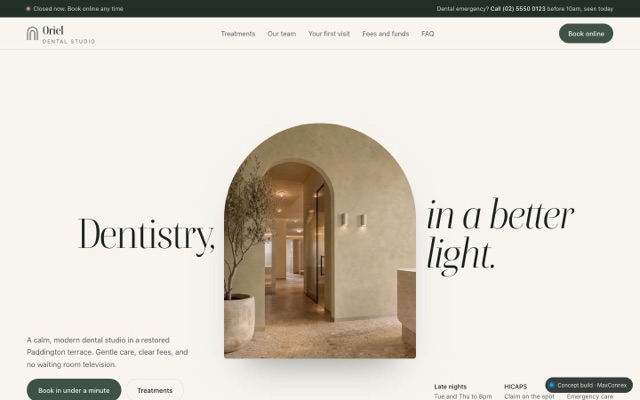
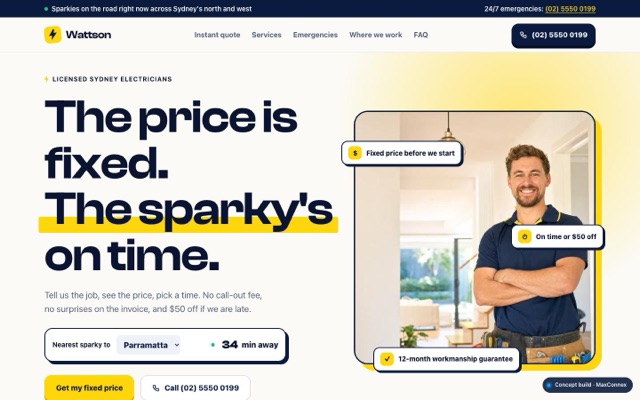
Four fictional businesses we designed and built to show the range, from e-commerce to a local trade. Each one works: open it and try the booking, the cart or the quote.


What you get
Included in every engagement
-
A site that loads fast on a phone
Core Web Vitals treated as a requirement rather than a report. Most patients arrive on mobile data in a waiting room or a car park.
-
Booking as the primary path
Whatever you use, HotDoc, HealthEngine, Cliniko or a form, the path to it is short, obvious and tested logged out before launch.
-
Machine readable structure
Services, practitioners, locations, conditions and hours published as structured data rather than left for an engine to infer from paragraphs.
-
Accessibility built in
Contrast, focus states, semantic headings and keyboard navigation. A meaningful share of your patients need them, and engines read the same semantics.
-
You can edit it
Handover includes a walkthrough and documentation. A site only we can change is a site that goes stale.
How it runs
The process
- 01
Structure
Sitemap, page hierarchy and the entity model, agreed before any design work starts.
- 02
Design
Desktop and mobile, reviewed as real pages in a browser rather than flat images.
- 03
Build and wire
Development, booking integration, tracking, structured data and accessibility pass.
- 04
Launch safely
Redirect mapping from every old URL, and a logged-out click test of the real booking flow before and after go-live.
Answers
Website design and build, answered
Will a new website hurt our existing search rankings?
It can, and that is the single biggest risk in any practice rebuild. Rankings are lost when old URLs return a 404 instead of redirecting. We map every existing URL to its new home before launch and verify every one afterwards. Done properly a migration is neutral to positive.
How long does a practice website take?
Four to eight weeks for a single-location practice, longer for multi-site groups or anything with a practitioner directory. The variable is almost never development. It is how quickly content, photography and approvals come back.
Do we have to change our booking system?
No. We integrate with what you already use. Changing booking platforms during a website rebuild means two risky changes at once on the one path you cannot afford to break.
What happens to our site after launch?
You own it outright, including the code and the domain. Ongoing hosting and maintenance are available but not compulsory, and there is no lock-in that makes leaving expensive.
Often paired with
Related services
AEO and AI visibility
We make your practice machine readable and authoritative, so ChatGPT, Google AI Overviews, Perplexity and Gemini name you when a patient asks who to see.
Learn moreWebsite refresh
A targeted overhaul of the site you already have, when a full rebuild is not justified but the current one is holding back enquiries and AI visibility.
Learn moreSEO
AI answers are growing fast, but Google still sends the majority of patient enquiries. We do both, because the signals that win one increasingly win the other.
Learn moreFind out what AI says about your practice
We run your practice against every major AI engine and show you exactly where you stand, and who is being named instead of you. No charge, no lock-in.